Everything about your vehicles, on record.
GarageLog keeps the service history, costs, issues and reminders for each vehicle in your garage. It works without internet.
Download for Android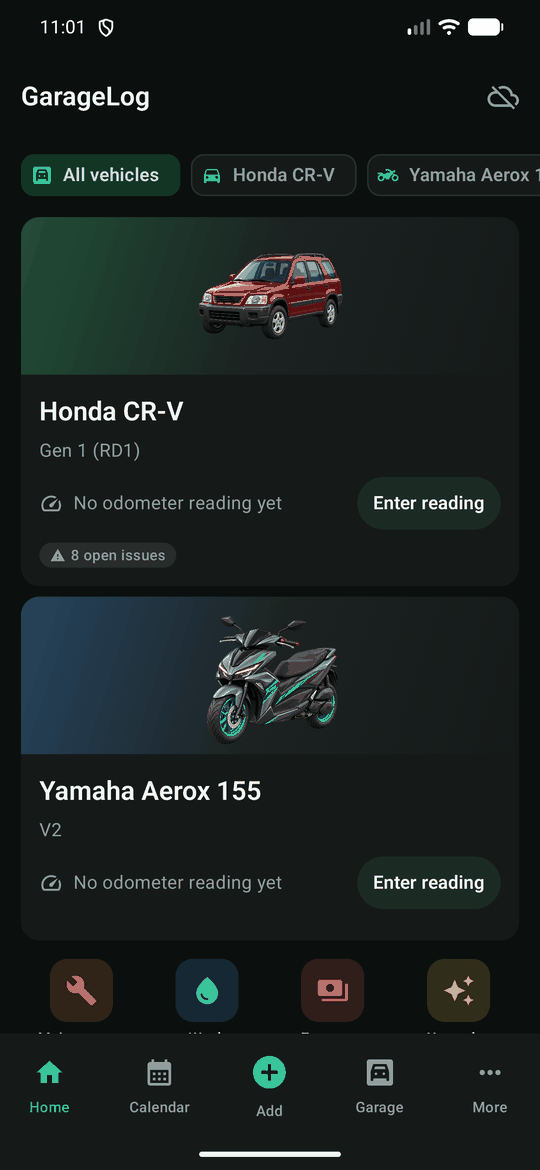
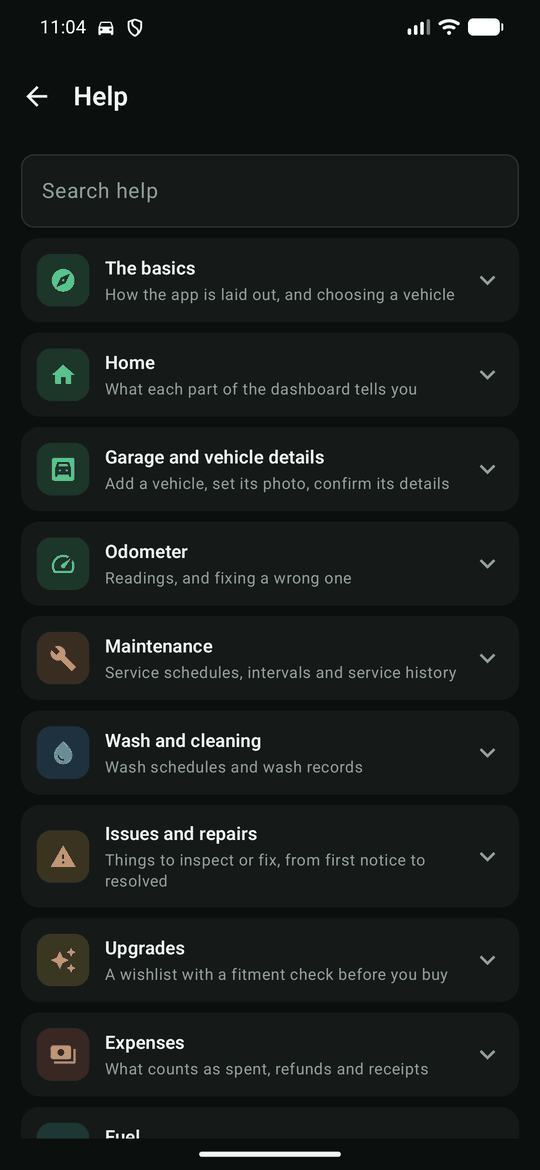
What it does
Maintenance
Service schedules by date, by kilometres, or whichever comes first, with a full service history.
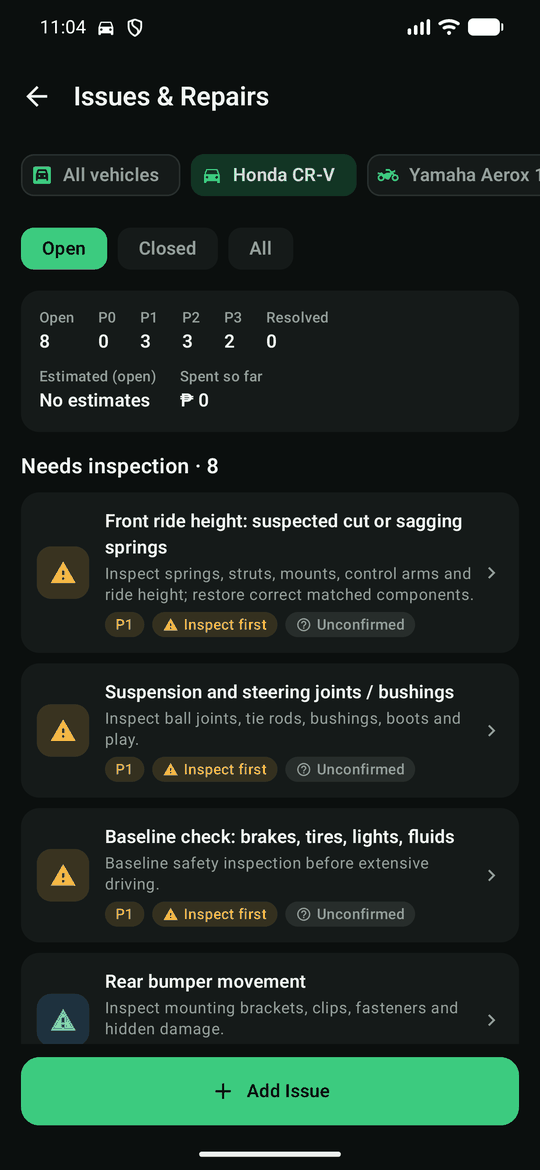
Issues and repairs
Log what needs inspecting or fixing and follow it from first notice to resolved.
Wash and detailing
Your own wash schedule, and a record of each wash and what it cost.
Expenses and fuel
What you actually spent, kept apart from estimates. Fuel economy measured from your fill-ups.
Reminders
Notifications for services, washes, appointments and expiring documents, worked out on the phone.
More than one vehicle
Each vehicle's records stay separate, with a combined view of what is due and what was spent.
How to install
- Open this page on your Android phone and tap Download for Android.
- Open the downloaded file. If Android says your browser is not allowed to install apps, tap Settings, allow it, then go back.
- Tap Install, open GarageLog, and tap Get Started.
GarageLog is not on the Play Store, so Android may warn that it comes from an unknown developer. That is expected for an app installed this way.
Sign-in is optional
The app is complete without an account: everything is saved on the phone. Signing in only adds backup and sync. This server is private and keeps its owner's garage; to sync your own, point the app at a GarageLog server of your own under More → Account & Sync.
Check the download
SHA-256 of garagelog-1.0.0.apk:
aca7e8da33b897b619b85d09e712a34c03e826b972519c70b7ded028ffb260c8